
Software
Community Edition
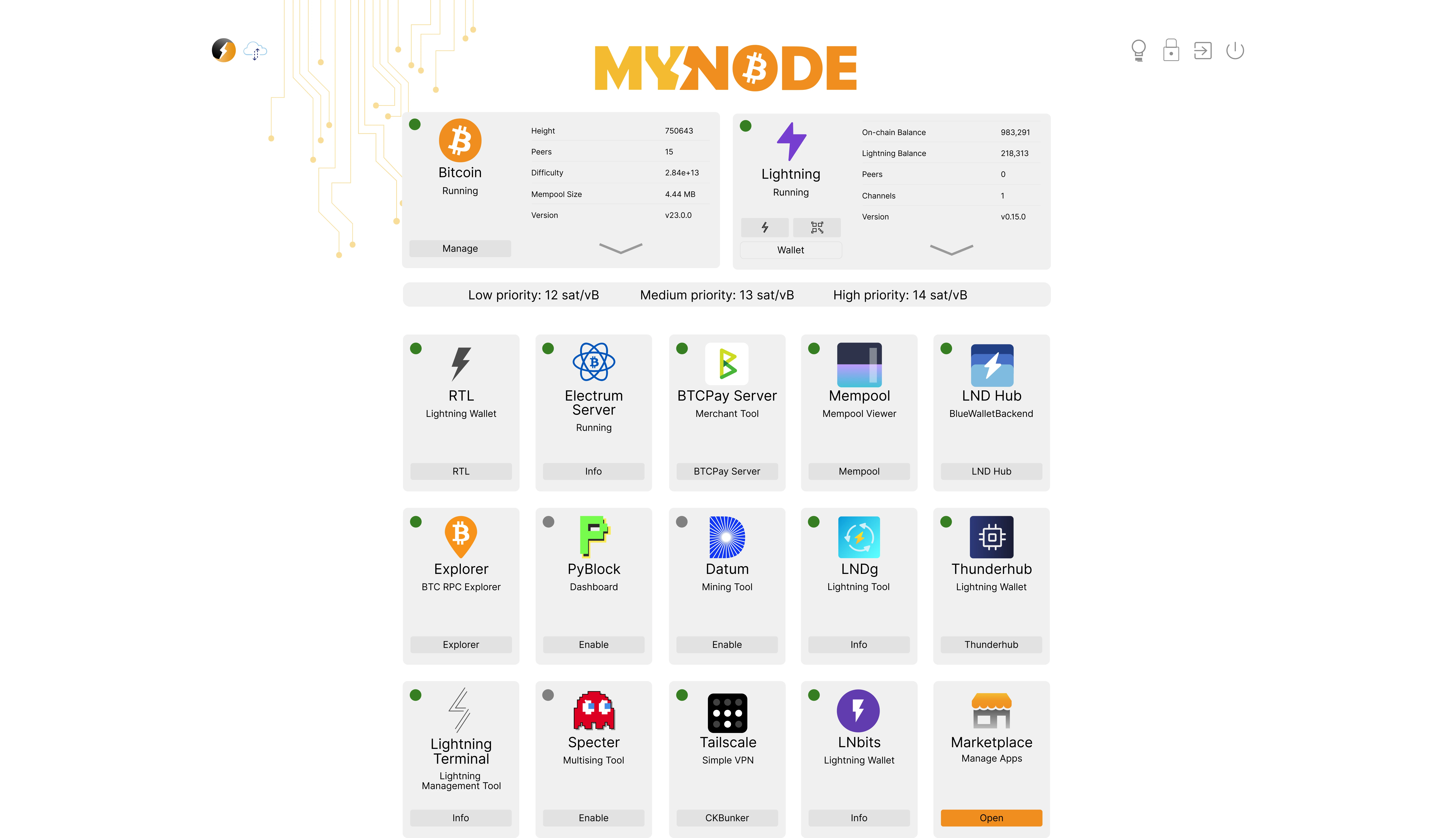
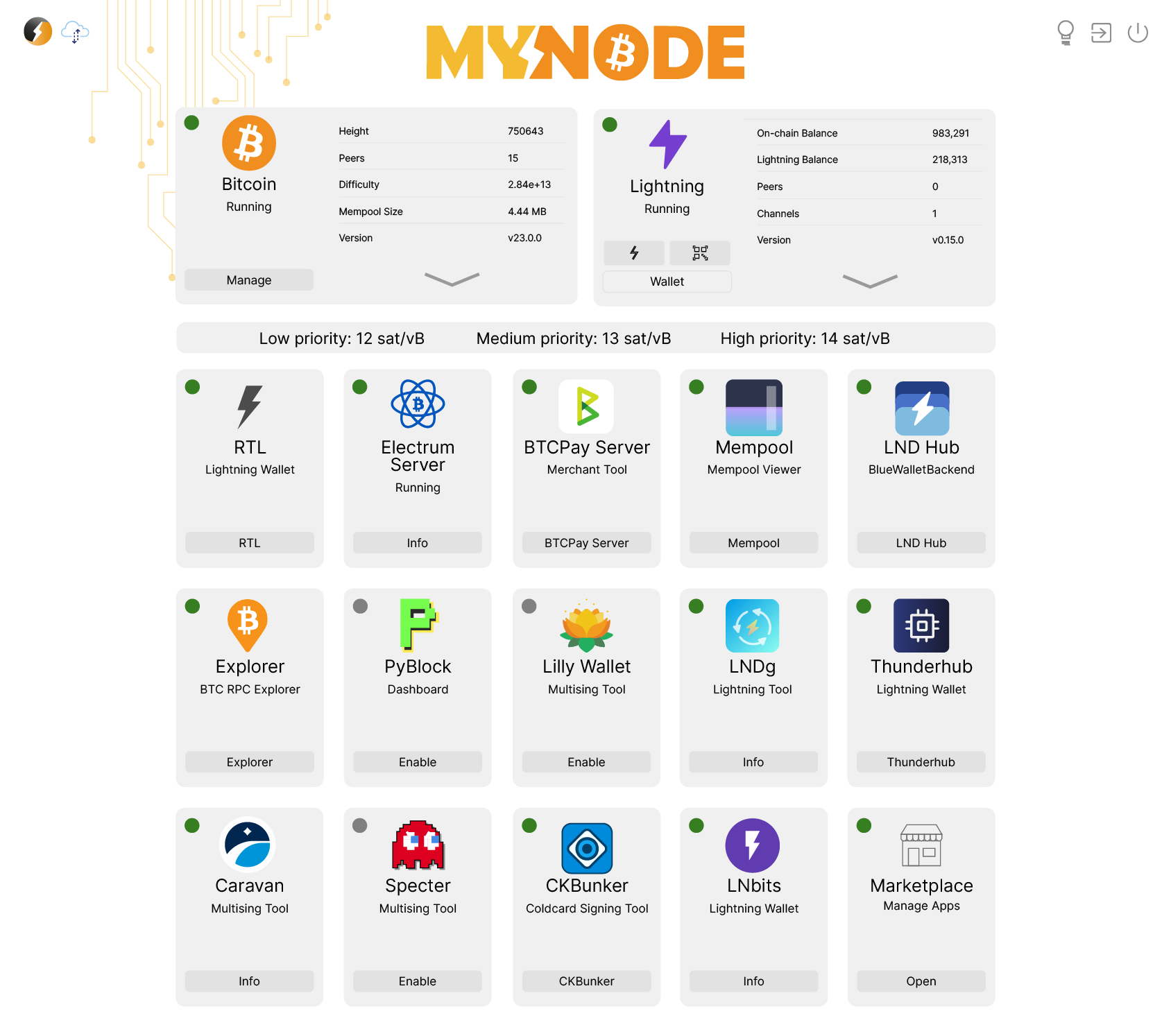
MyNode Community Edition is the open source, freely available version! It includes nearly all of the MyNode features and can easily be downloaded and installed on a number of devices.

Software
Packed with amazing features
The community edition comes with a number of wonderful features:
 Full Bitcoin Node
 Lightning Wallet
 Intuitive UI
 Premium Support
 One-click Updates
 Bitcoin Explorer
 Electrum Server
 JoinMarket
 Warden Terminal
 Bitcoin CLI
 BTC Pay Server
 CKBunker
 Caravan
 Datum
Datum Jam
Jam Mempool
 Public Pool
 Public Pool UI
 PyBlock
 Specter
 Ride the Lightning
 LND Hub
 LND Connect
 Balance of Satoshis
 Alby Hub
 Channel Tools
 LNDManage
 LNDg
LNDg LNbits
 Lightning Terminal
 LndBoss
 Loop
Loop Pool
Pool Thunderhub
 lntop
lntop Sphinx Relay
 Astral
 Noscl
Noscl Nostr RS Relay
 Tor
Tor LN Channel Backup
 VPN
VPN Opendime Support
 Tailscale
 Netdata
 WeTTY
WeTTY Web SSH
Interface
Web Interface
Upgrade Path
From Community Edition to Premium
If you already run Community Edition, you can upgrade quickly without replacing your hardware or rebuilding the install.
Buy Premium
Complete the checkout and receive your MyNode product key by email with digital delivery.
Enter the product key
Open the settings page on your device, choose Enter Product Key, and save the key to activate Premium.
Unlock Premium features
Use one-click upgrades, premium apps, remote access tools, and the included Premium+ service period.
Not running MyNode yet? Start with Community Edition — it's free — and move into Premium when you're ready.
Compatible
Devices
We currently support images for the following devices:
Open Source
Built in the open
The source code for MyNode is publicly available on GitHub and is licensed under the CC BY-NC 4.0 licence. More information on how to build and run the MyNode software from source is available on GitHub.
Watch
See it in action
FAQ
Frequently Asked Questions
These are the questions most users ask before or after downloading Community Edition.